Most "free trial" offers in the IPTV space aren't actually free — they require a card upfront, and the fine print says the trial converts into a paid subscription automatically if you forget to cancel in time. That's not a trial, it's a delayed charge. Here's what an honest one looks like, and what to actually test during it.
What a real IPTV free trial should include
No card required to start
If a "free trial" needs payment details before you've seen a single channel, that's not a trial — it's a pre-authorised charge with extra steps. A trial that's actually free doesn't need your card until you decide to subscribe.
No silent auto-renewal
The trial should end when it ends, not roll into a paid plan unless you take a deliberate action to continue.
Full access, not a stripped-down preview
A trial limited to five channels and no on-demand library doesn't tell you anything about whether the full service is stable. It should mirror the real product.
What the NordicCast 24-hour trial covers
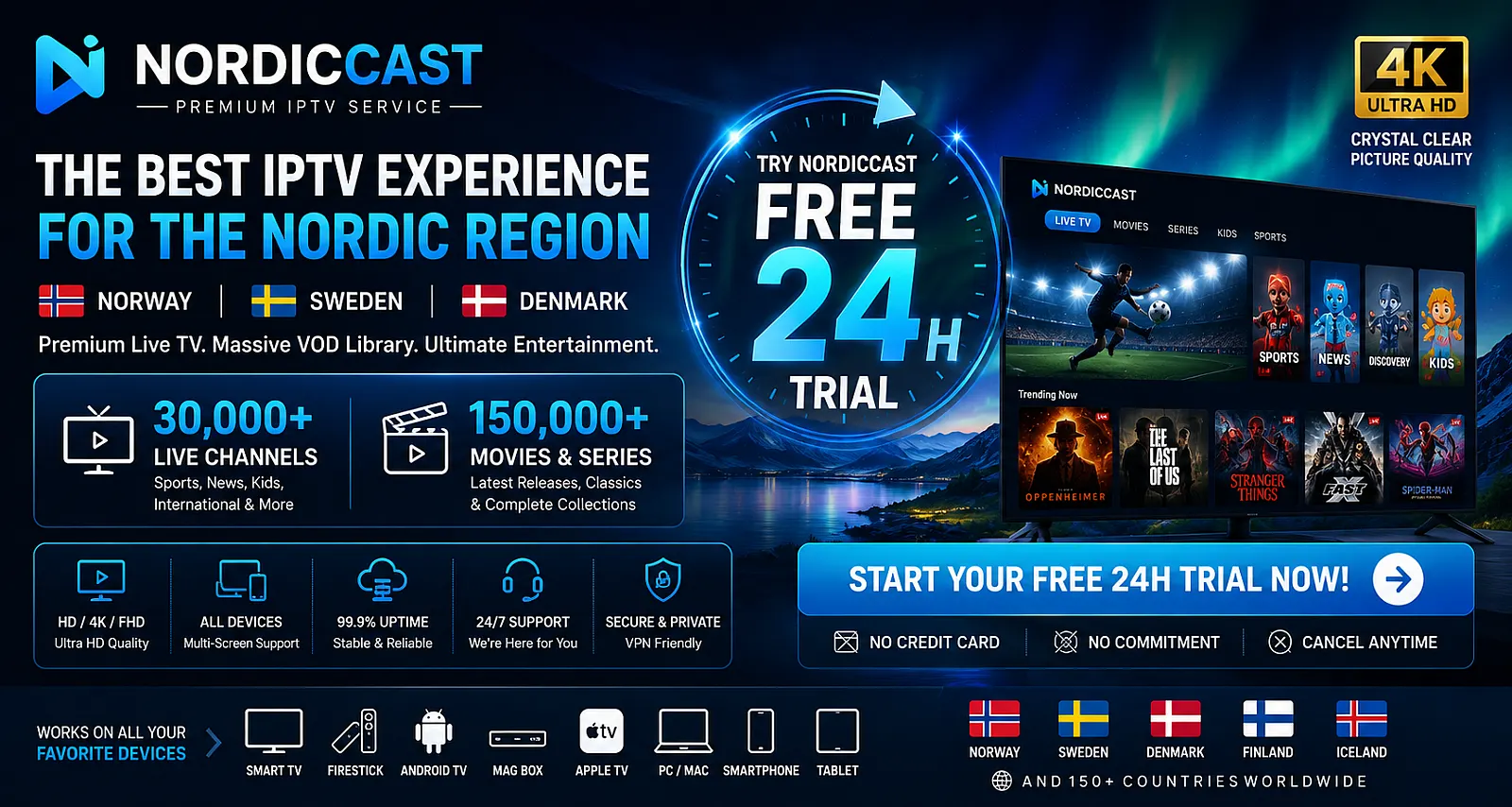
The NordicCast free trial runs for 24 hours with no card required and no automatic conversion to a paid plan. During that window you get the same access as a paying subscriber: the full channel list, the on-demand catalogue and the sport coverage — not a limited demo.
What to actually test in 24 hours
A trial is only useful if you use it deliberately. In order of priority:
- Stream on your television and streaming box directly — not a phone or laptop, unless that is genuinely how you will watch day to day.
- Test during peak hours, ideally an evening or a live sporting event, since that is when stability is actually tested.
- Confirm your specific local channels are present — don't rely on a general "includes Nordic broadcasters" claim; check the exact list for your country.
- Contact support with a real question, even a simple one, to see how quickly and in what language you get an answer.
- Check the cancellation flow before you need it — if it is not a couple of clicks, that is worth knowing before you subscribe rather than after.
Twenty-four hours is short on purpose. It is long enough to answer every question above, and not long enough to work through a season of anything — which is what a subscription is for.
Getting it running quickly
Most of the 24 hours should be spent watching rather than configuring. The setup guide covers Fire TV, Smart TV, Android TV, Apple TV, mobile and desktop step by step, including the two player settings that prevent most reported buffering.
After the trial
If everything checks out, plans run from a single-device option up to five simultaneous streams, with no minimum term and cancellation at any time. Full pricing and the current channel line-up are on the pricing page.
Still weighing up providers? The guide to comparing IPTV services covers what matters beyond channel count, and the Nordic guide covers what changes country by country.